Using the Library
Library Cards
The McCarthy Library partners with the Napa County Library System. You can use your Napa County Library card at the McCarthy Library to check out items and to use the computers.
You can apply for a free library card from Napa Valley College using the link below. A Solano Community College Library card can also be used to borrow materials at the McCarthy Library.
To get to your account online:
To access your library account to see borrowed materials, due dates, and fines, you can go to the login page, enter your card number and pin. You can also place holds on materials. If you need some help doing this, visit the Reference Desk, and the librarians can help you.
To apply for a library card:
- Click the Get a Library Card link
- Navigate to the pull down menu "Please select a home library" and select Napa Valley College.
- Enter your zip code.
- Select your city.
- Fill out your name, address, and other information.
- Create a 4 to 9 digit pin, use only numbers.
- Once you have submitted your information, write down your PACREG number and your NVC ID number. Bring your photo ID to the Library Service Desk to get your library card.
Technology at the Library
The McCarthy Library has laptops, Wi-Fi hotspots, and calculators for students to borrow. These devices can be checked out for an entire semester. Please complete a form for each device before picking them up at the front desk of the Library. Be prepared to show proof of current enrollment when you come.
Library Spaces
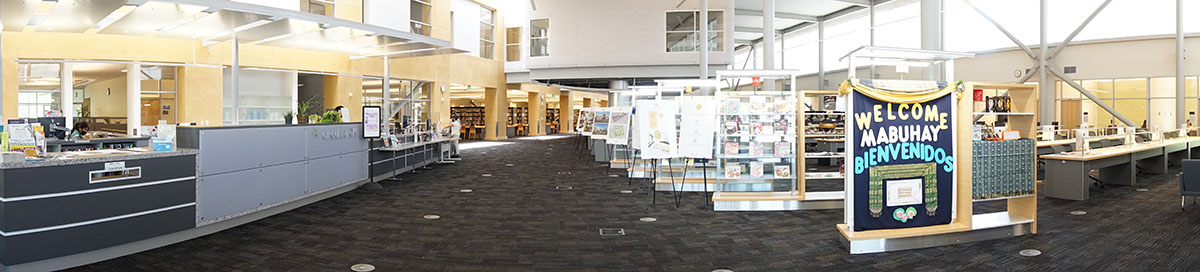
The main floor of the library contains space for hundreds of students.
Features:
- Study desks and cubicle space for "bring your own device".
- Abundant charging outlets.
- Printer and copy machine room.
- Sofas and armchairs.
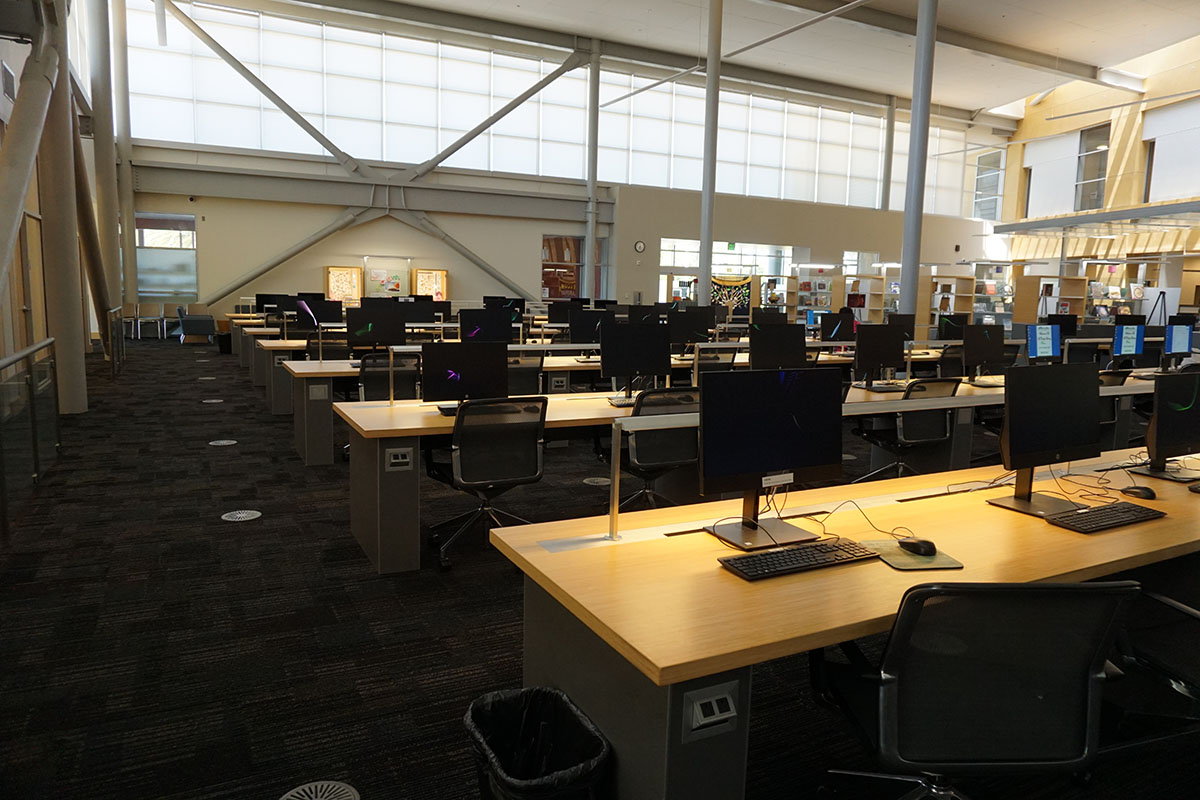
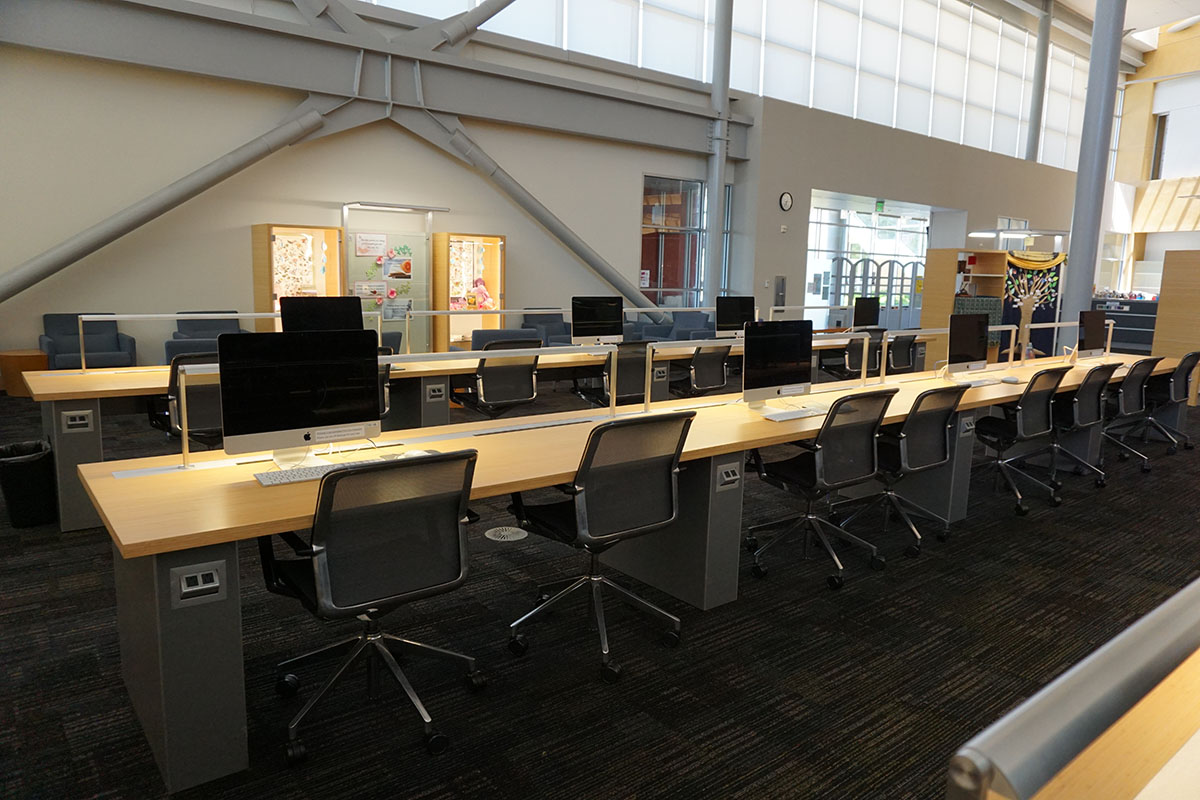
The purpose of the library computers is to support students, faculty, and staff who are engaged in research and academic activities.
Apple and Windows desktop computers are available on a first-come, first-served basis.
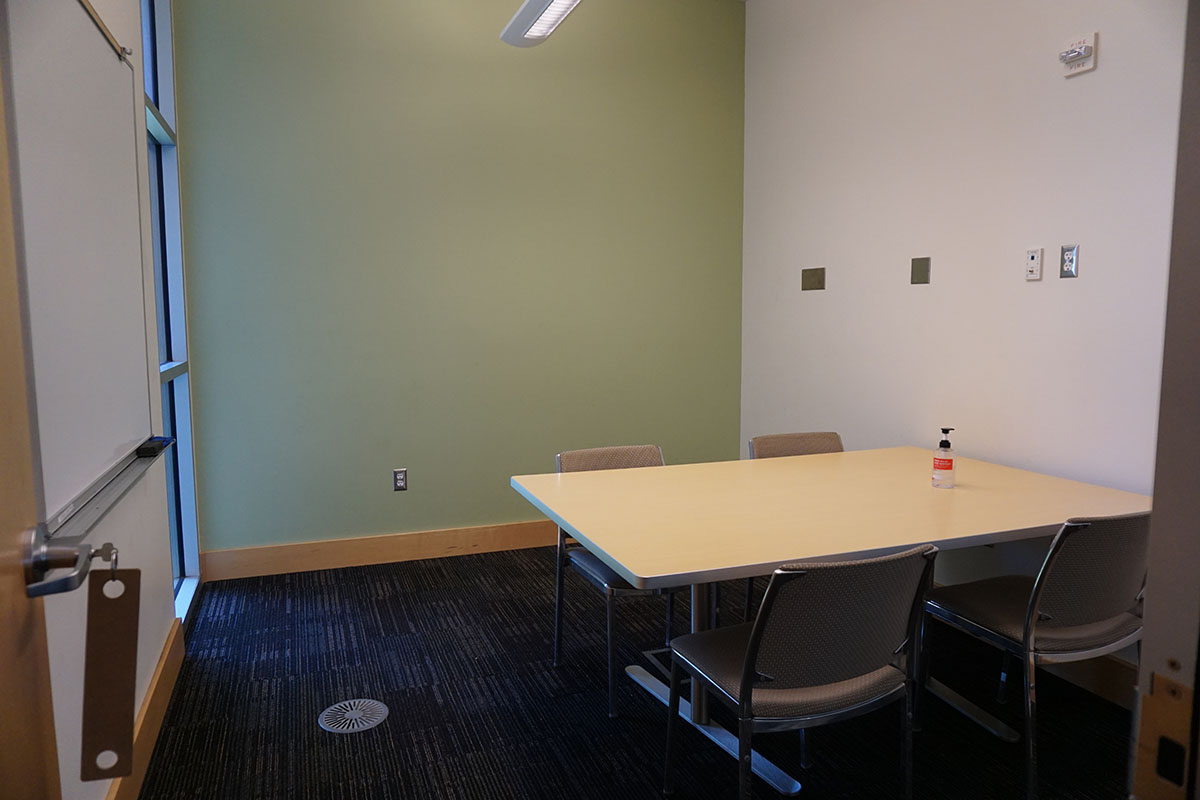
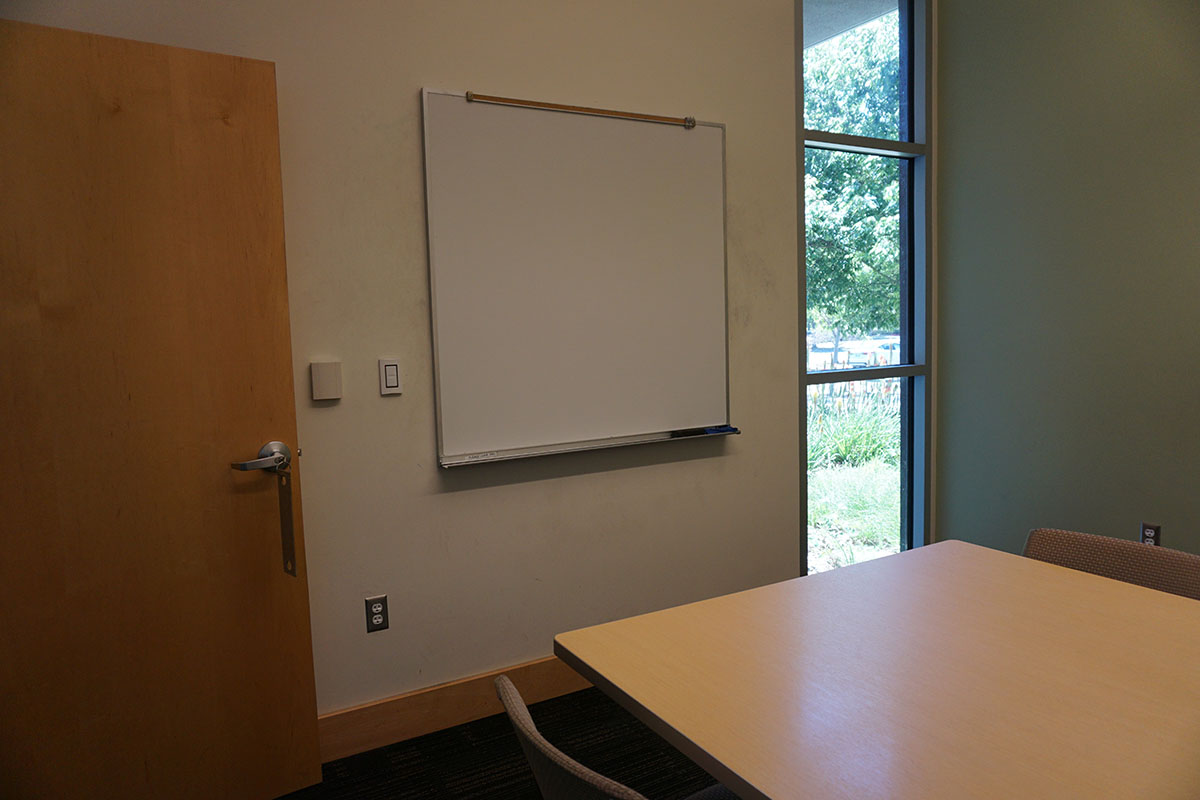
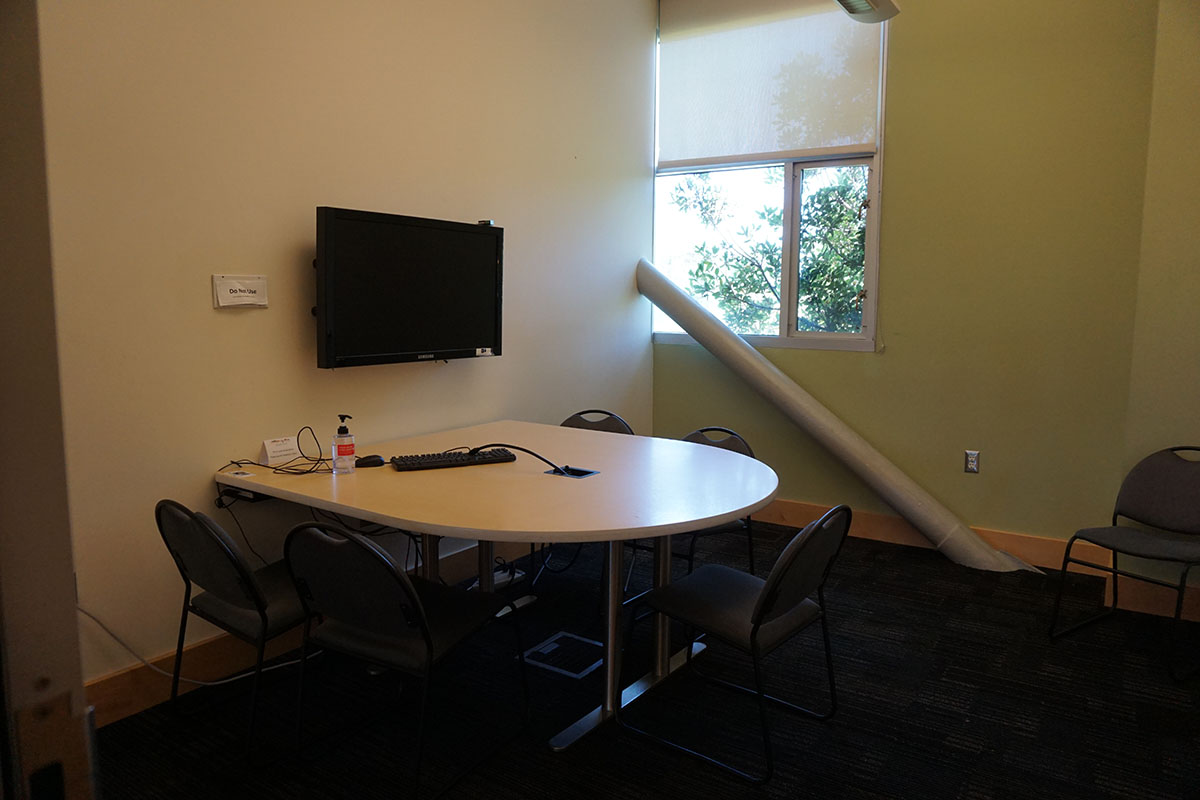
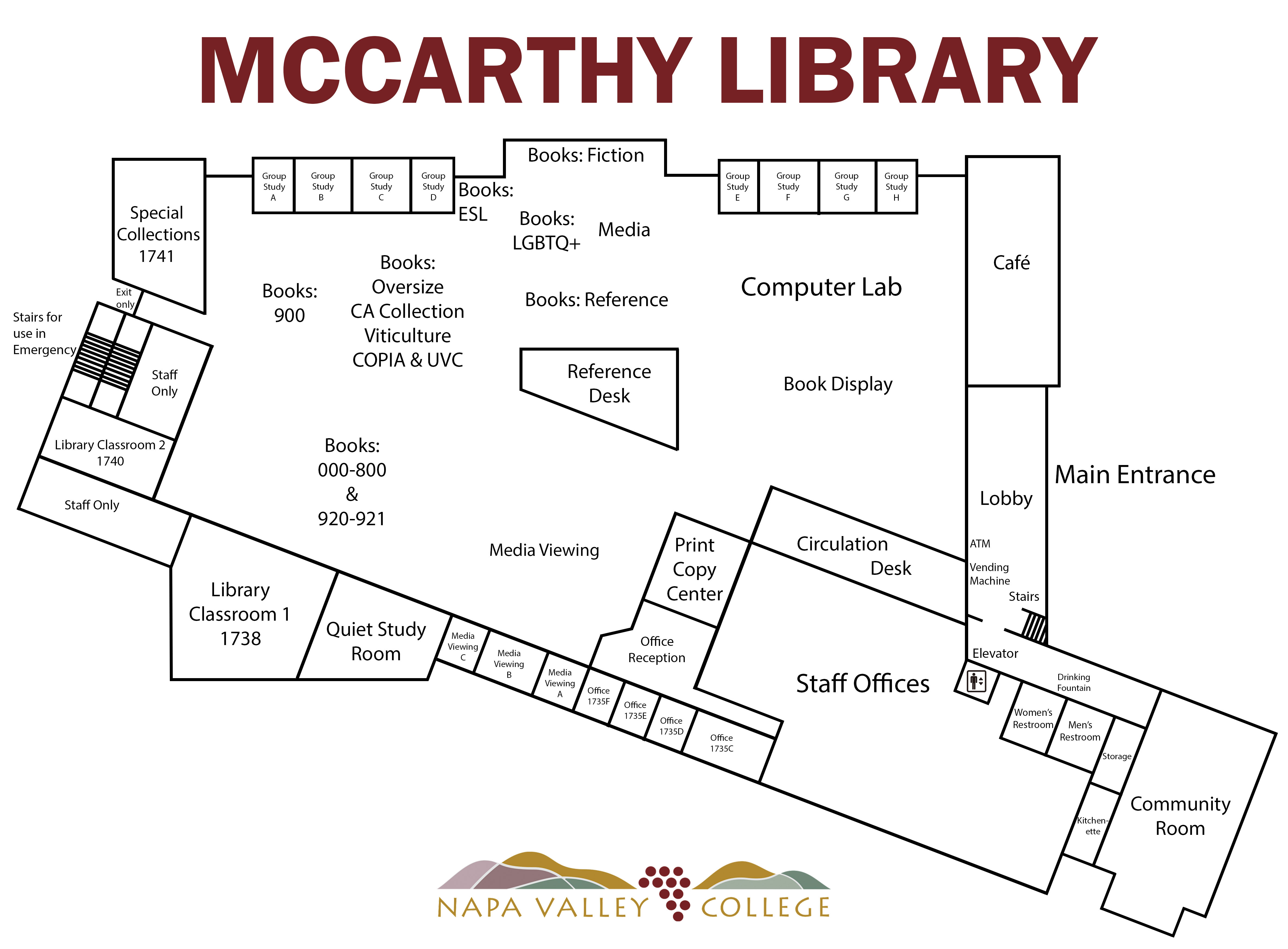
The Library has eleven group study rooms, three of which can be used as media viewing rooms.
Features:
- Five rooms have wall monitors with an HDMI connection for a laptop.
- All rooms have whiteboards. Whiteboard markers are available at the Circulation Desk.
- The largest room accommodates up to 8 people.
Please note that:
- Rooms are for student collaboration on class assignments.
- Room keys are available for check out at the Circulation Desk.
- Rooms are available on a first-come, first-served basis.
- Rooms may be used for up to 2 hours.
- Preference is given to groups of two or more.